

BMW INPA64 v7.7.2.0
BMW INPA64 v7.7.2.0
BMW INPA64 v7.7.2.0
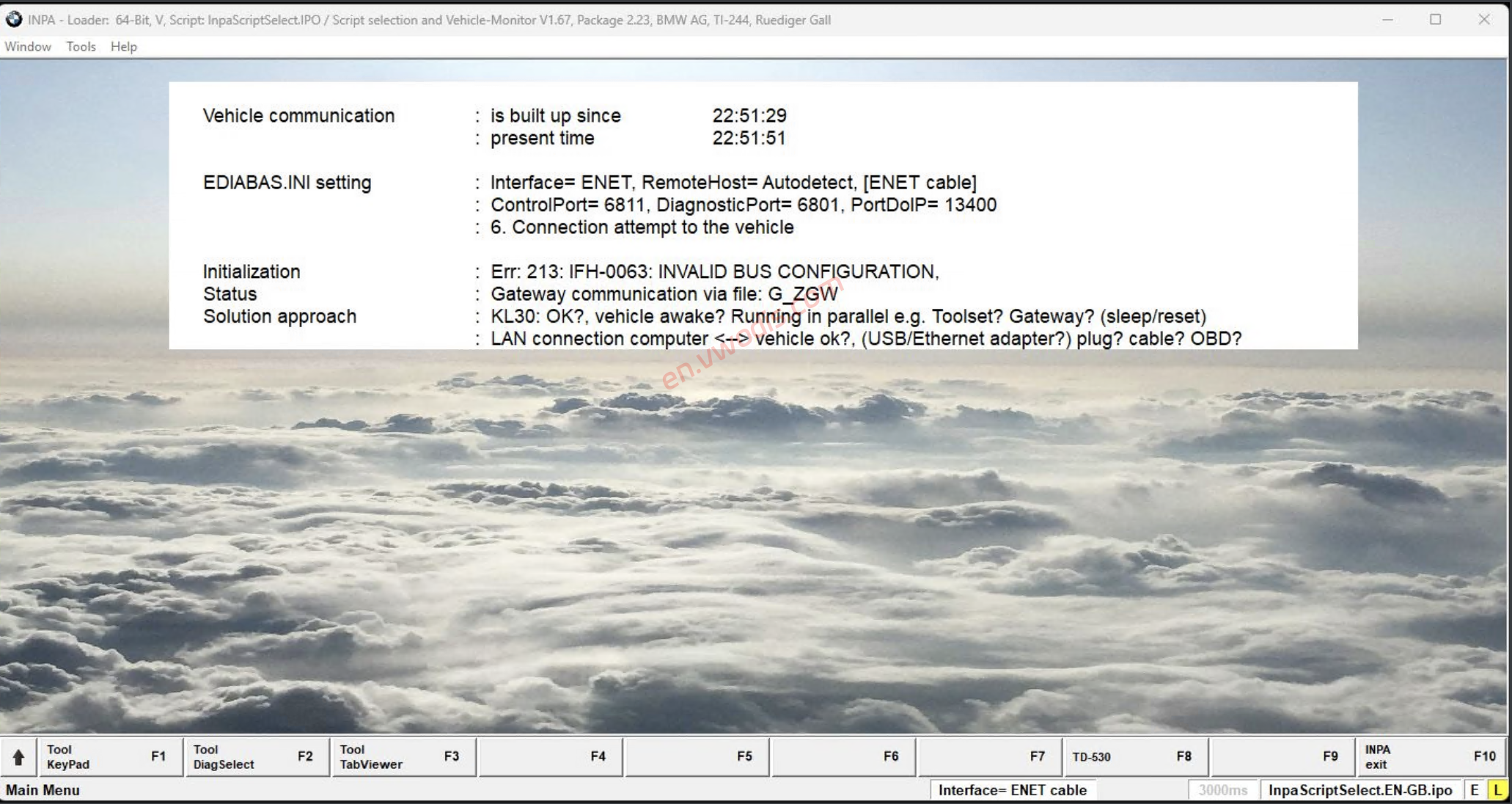
BMW INPA64 v7.7.2.0, supports F-G-I series
Install setup
1. Open “Ediabas 7.6 Setup” => Run “sof_ediabas_i_i_2.3.Windows Installer Package”
2. Copy EC-Apps folder paste to C:\
3. Open EC-Apps\INPA64\BIN\INPALOAD => Create Shortcut to Desktop.
4. INPA-Loader open => INPA.INI and choose Language => OK
5. INPA-Loader => Note 90 popup display info on screen => OK.
This INPA is using newer Ediabas version, so it will conflict with older INPA!
Download permission
View
-
$FreeDownload after commentDownload after login
- {{attr.name}}:
Your current level is
Login for free downloadLogin
Your account has been temporarily suspended and cannot be operated!
Download after commentComment
Download after paying $
Login
You have run out of downloads ( times) please come back tomorrow orUpgrade Membership
Download after paying pointsPay Now
Download after paying Pay Now
Your current user level is not allowed to downloadUpgrade Membership
You have obtained download permission
You can download resources every daytimes, remaining todaytimes left today
Purchase Statement:
1.Virtual products, once purchased, do not accept any form of refund! If you cannot accept the above agreement, please do not place an order!
2.Virtual products, remote guidance is not accepted! If you cannot accept the above agreement, please do not place an order!
3.All the resources of this site come from the network. Please contact the administrator if your rights and interests are infringed. We will review and delete them at the first time in Email:admin@vwodis.com The resources on the site are used for personal study or test research by netizens. Without the permission of the original copyright author, they are not allowed to be used in any commercial way! Please delete within 24 hours of downloading!
1.Virtual products, once purchased, do not accept any form of refund! If you cannot accept the above agreement, please do not place an order!
2.Virtual products, remote guidance is not accepted! If you cannot accept the above agreement, please do not place an order!
3.All the resources of this site come from the network. Please contact the administrator if your rights and interests are infringed. We will review and delete them at the first time in Email:admin@vwodis.com The resources on the site are used for personal study or test research by netizens. Without the permission of the original copyright author, they are not allowed to be used in any commercial way! Please delete within 24 hours of downloading!