

Audi MHI2Q+MIB2 Infotainment CarPlay Mirror to LCD Instrument Cluster File
Audi MHI2Q+MIB2 Infotainment CarPlay Mirror to LCD Instrument Cluster File
Audi MHI2Q+MIB2 Infotainment CarPlay Mirror to LCD Instrument Cluster File
Known Issues
MMI Mirror launched via AutoStart may result in black screen after prolonged continuous use. Please always prioritize driving safety. For long-duration usage, manual Start MMI Mirror is recommended. No such issue has been observed with manual Start. If black screen occurs while driving, do not operate the infotainment unit during travel; safely pull over before troubleshooting.
This solution applies to Audi MHI2Q / MIB2 High platforms, combining CarPlay Route Guidance (RGI) and MMI Mirror. CarPlay RGI extends CarPlay navigation prompts and related interactions to the Virtual Cockpit / HUD. MMI Mirror streams real-time MMI central display content to the map area of the Virtual Cockpit. Installation, startup, diagnostics and recovery are performed via the Green Engineering Menu.
Important Notes
RGI and MMI Mirror are two separate installation procedures. To use CarPlay RGI + MMI Mirror together, CarPlay RGI must be installed first, followed by MMI Mirror. This package does not replace the CarPlay RGI installer. If RGI is not pre-installed, this process will only install MMI Mirror. In addition, CarPlay UI screen distortion may occur on some infotainment units. If this symptom appears, uninstall RGI and use MMI Mirror standalone (Install/Update MMI Mirror).
Installation & Operation
If you intend to use CarPlay RGI + MMI Mirror, strictly follow this installation sequence: Install CarPlay RGI → Wait for at least 30 seconds then reboot infotainment / HMI → Verify normal CarPlay navigation display and interaction → Install / Update MMI Mirror → Reboot infotainment / HMI → Manually start MMI Mirror and confirm functionality → Enable AutoStart as required.
Do NOT install MMI Mirror prior to RGI. This combined solution requires a pre-installed, fully functional CarPlay RGI as prerequisite.
If only MMI Mirror is needed without CarPlay RGI, skip the RGI installation step and install MMI Mirror directly.
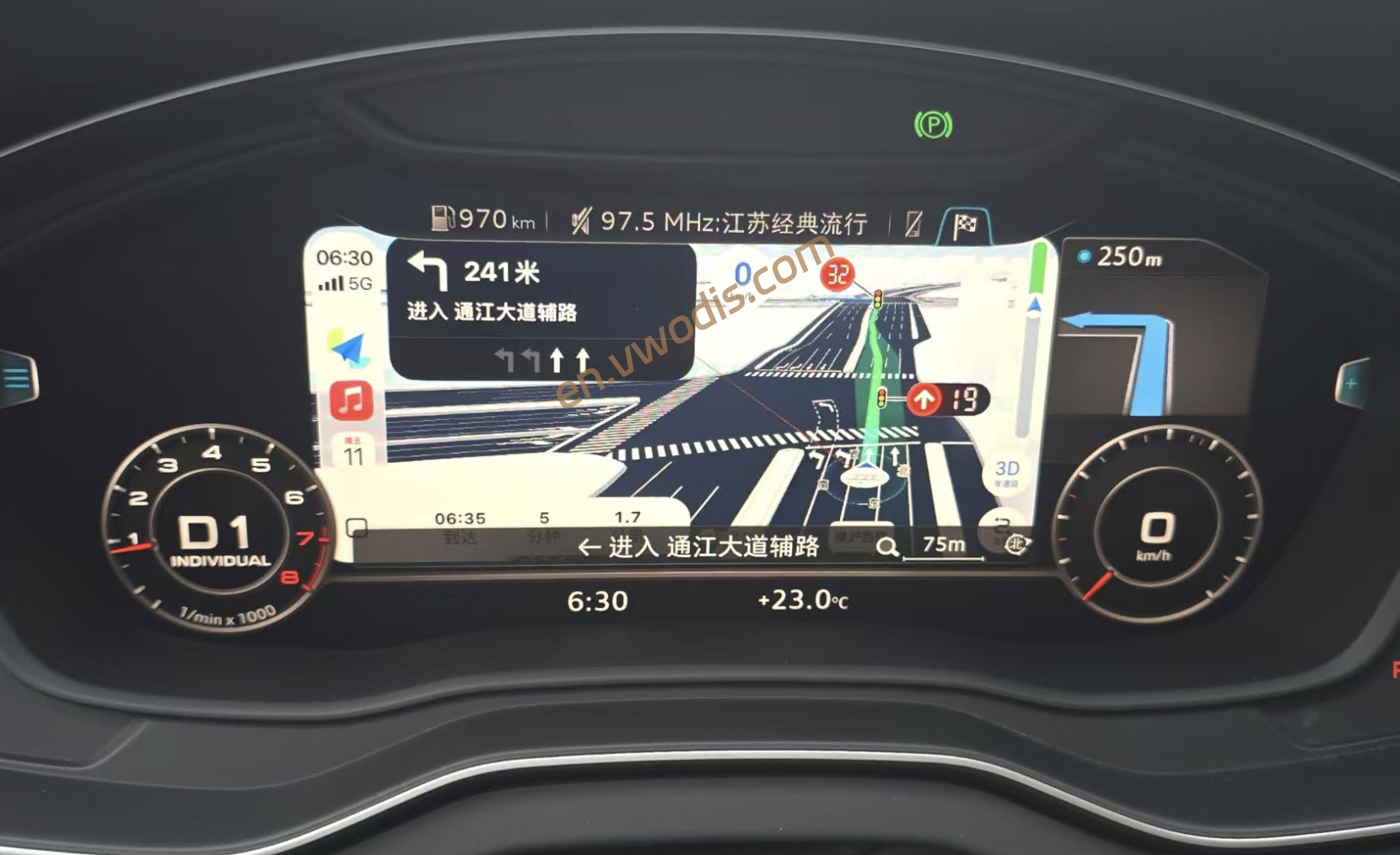
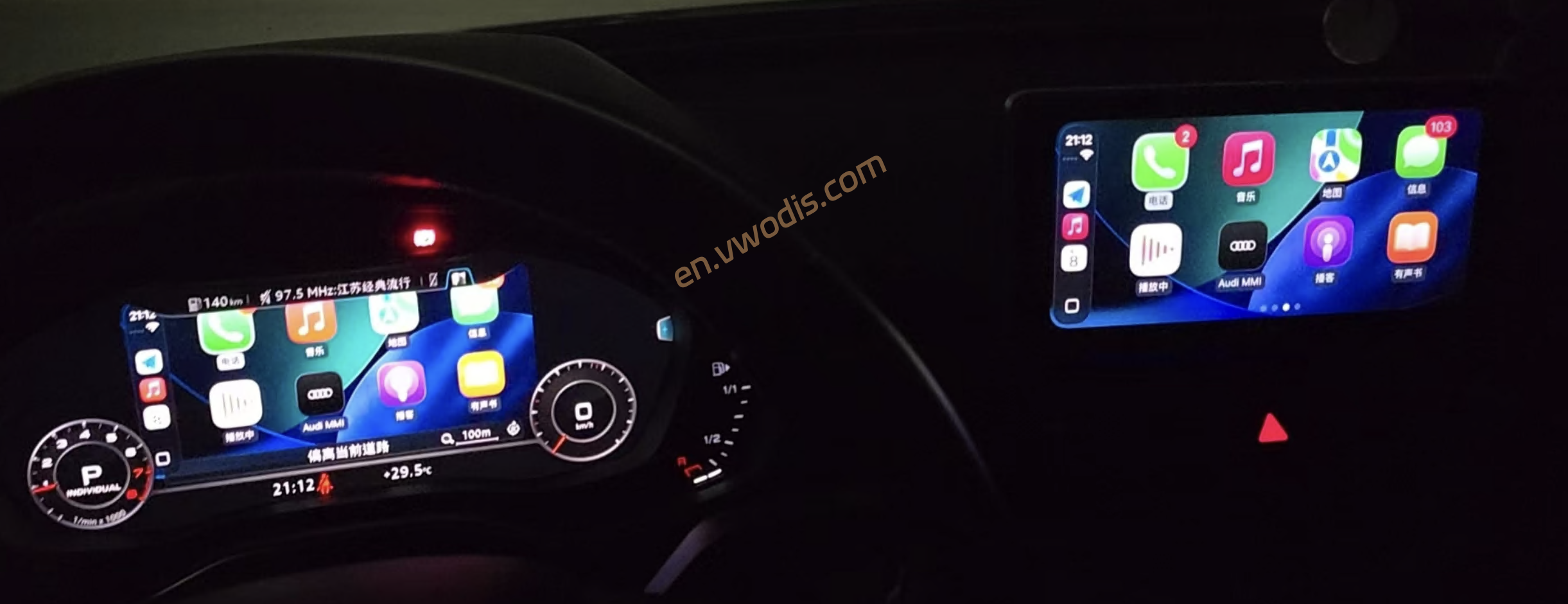
-
$FreeDownload after commentDownload after login
- {{attr.name}}:
1.Virtual products, once purchased, do not accept any form of refund! If you cannot accept the above agreement, please do not place an order!
2.Virtual products, remote guidance is not accepted! If you cannot accept the above agreement, please do not place an order!
3.All the resources of this site come from the network. Please contact the administrator if your rights and interests are infringed. We will review and delete them at the first time in Email:admin@vwodis.com The resources on the site are used for personal study or test research by netizens. Without the permission of the original copyright author, they are not allowed to be used in any commercial way! Please delete within 24 hours of downloading!